Schnelle Pflege-Checkliste
Kurze praktische Erinnerungen für die tägliche Pflege und Lagerung.
Checkliste öffnen →Hast du ein Konto?
Logge dich ein, damit es beim Checkout schneller geht.

Diese Kollektion zeigt die neuesten Vintage-Schreibmaschinen, die unserem Online-Sortiment hinzugefügt wurden. „Neuzugang“...

This time it went properly. While unpacking I sang.
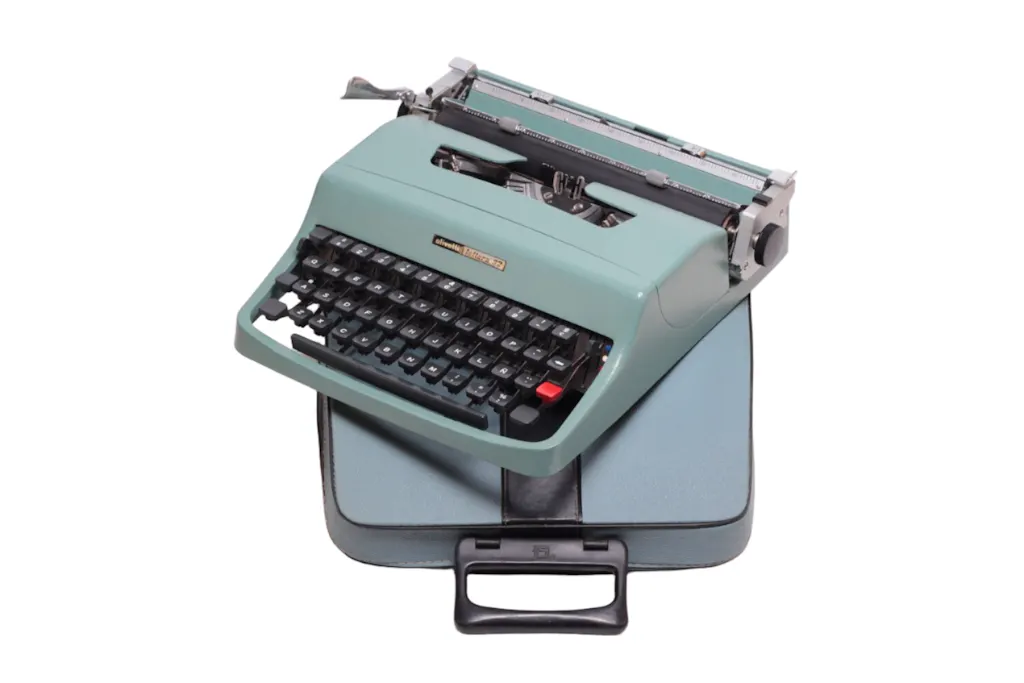
Discovering how careful and thoroughly the machine was set in its boxes I smiled. Pulling Olivetti lettera 32 into the light and typing I was laughing out loud. This experience superseded all former disappointment and frustration.
It arrived in my room as a long lost spirit.
Thank you all for your heartfelt professionalism.
No longer à computer controlled letter puppet.
I feel relieved.
PB France
The El Granero cover for my typewriter really met all expectations regarding durability and dust. Excellent product
Very smooth shopping experience. Arrived with no problems. I can type away now!
Hace poco conocí a Jacek y Ania para que me ayudaran a poner a punto mi máquina de escribir Olivetti Studio46. Me recibieron en su oficina-taller con mucho naturalidad y sobre todo compartiendo conmigo su simpatía, amabilidad, pasión y amor por su oficio. Y por supuesto consigueron un resultado espectacular con mi máquina, la cual cuidaré y utilizaré con mucha ilusión cada vez que escriba. Además, pronto empezarán con un curso de mecanografía, a cual, si mi trabajo me lo Permite, asistiré para sacarle e
Mayor rendimiento a mi “Oli” Mil gracias de nuevo, y a todos aquellos que tengáis una máquina de escribir que necesite de mantenimiento o reparación, no dudéis en contactar con ellos! Un abrazo fuerte!
This company is absolutely fantastic the work is very professional polished can't ask for better service love this company
Comunicação ótima com a equipa da El Granero, quer na escolha da máquina quer no seu envio. Tive um atraso na sua entrega dado que queria a minha máquina para escrever os votos de casamento. Felizmente, ainda chegou a tempo. Estou deliciada. Muito bem acondicionada.
Order lost in shipping between Spanish shipper and USPS in states.
El Granero is staying in contact and working diligently on their end to try to locate the package and resolve the matter.
The extra effort they are expending to ensure this relatively small purchase gets found and delivered is greatly appreciated and speaks volumes about the integrity of this small, family owned business.
Excellent service. I ordered typewriter ribbons for my Hermes Baby and they arrived in the mail within days.
He tenido problemas con mi máquina Olivetti Collegue y, la verdad, que encontrar a esta gente ha sido toda una suerte. Muy formales en cuanto a los tiempos de recogida y entrega, muy atentos en el trato y muy cuidadosos en el embalaje. La máquina ha regresado nueva, y además me han hecho algún obsequio! Muchas gracias por todo.
El Granero provided me with an exceptional level of service, attention to detail, and authentic communication. I purchased the Olympia typewriter from a friend and noticed the "a" key was not working properly. When I attempted to make the adjustment myself, the arm broke off, which began my journey of research to find a professional restoration service. Coming across El Granero, I noticed they had a 50 euro option to repair the typewriter (with shipment to-and-from their location in Spain). The process was not as difficult as I had anticipated, and the owners provided updates, videos, and demos of the fixes they made to my typewriter. I am truly grateful that they were able to not only fix the "a" key, but fully tune and restore my typewriter to its former glory. Thank you, thank you, thank you, I am now creating performance pieces with confidence, and writing with great pleasure.
Son encantadores, unos profesionales como la copa de un pino. Trabajo rápido e impecable. Repetiré sin dudarlo.
Tuvimos la gran suerte de conocerlos en persona, a ellos y a sus mascotas.
Experiencia de 10.
Maquina repasada, limpia, engrasada y en perfecto estado.
La maquina tiene mucho valor sentimental, por eso ocupa el mejor sitio de casa.
Total confianza, muy profesionales y amables, tienen unas piezas muy exclusivas y cuidadas. Totalmente recomendables!
Excelente en todos los sentidos. Amabilidad y compromiso. Muchas gracias por todo.
Ania and Jacek were so helpful and made this purchase as easy as can be. My typewriter was packed incredibly well and arrived safely and is a real beauty. I'm thankful I don't live near their shop, otherwise I'd probably be buying more of their beautifully restored machines. :-)
A beautiful accessory for your typewriter. Quality craftsmanship that perfectly matches the spirit of a 'vintage' object. Highly recommended!
Absolutely beautiful Typewiter, restored to perfection, all wrapped with great love and care. It was a present for my husband’s 50th birthday and it couldn’t have been any more perfect. Thank you Ania and Jacek!
Absolutely beautiful Typewiter, restored to perfection, all wrapped with great love and care. It was a present for my husband’s 50th birthday and it couldn’t have been any more perfect. Thank you Ania and Jacek!
We are thrilled to hear that your husband's 50th birthday gift was a success! A typewriter as a gift is such a unique and meaningful idea. bery special. We can only imagine the joy it brought to your husband on his special day. Thank you for sharing your experience, and I'm sure this positive review will encourage others to consider similar gifts for their loved ones!
These guys are very knowledgeable and super helpful! They answered my queries with patience and shipped my order securely. I will be buying more typewriters from them in the near future!
In 2021 I had bought a beautiful Olympia Traveler de Luxe...it looked like new. Between moving from one country to another and place to place I was finally able to bring it with me. I lost the manual and was stuck. I was scared so I contacted them quickly via Instagram. Not even 2 minutes passed and I was resolving the mess I had. They sent me the manual and wow it was working again. They even sent me photos with drawings so I could understand since I am new to this world of clippers. Super happy, and now let's write!
Thank you, Sarah, for sharing your wonderful experience! We're thrilled to hear that your Olympia Traveler de Luxe made the journey with you and is back to working like new. It was our pleasure to assist you quickly and provide the manual and helpful drawings. We're glad to have made the process easier for you as you dive into the world of typewriters. Happy writing!
El Granero does a fine job. I once had two rare typewriters of the same make and model. Both had problems. However, they were able to fashion one working and complete Groma Kolibri typewriter to me. I was on holiday in southern Spain shortly after the work was complete. he went out of his way to deliver the machine to our hotel. superb service everytime I have worked with El Granero typewriter.company.
I am very pleased with the typewriter I ordered. The restoration is great and I’m very much looking forward to writing with it.
Ha sido fantástico: me dejaron en un estado fenomenal una máquina antigua que no había quien diese algo por ella. 100 por 100 recomendables
Articolo non funzionante troppo caro
It's gorgeous and perfectly restored!
I'm so happy with the service experience provided by Ania and Jacek. I am also thrilled with my typewriter, which arrived in perfect condition. Despite placing my order on New Year’s Eve, they were open and promptly responded to my emails, offering suggestions and helping me find what was best for me. I was looking for a typewriter with a Danish keyboard and they were the only ones I found in Europe that could accommodate my needs. I was amazed by their effort to accommodate my needs. It was a perfect service experience. I will definitely recommend them to anyone looking to buy a typewriter. They are true professionals.
No tengo palabras para describir lo que sentí al recibir la máquina de escribir. Fue indescriptible. Está super bien restaurada y funciona a la perfección. Es una de esas cosas que no pasan desapercibidas por la vida de uno y que tienen un valor que va más allá del material. Gracias por hacerlo posible.
This is my first Hermes Baby, It is in good condition it is clean and pretty ! really an ultraportable one ,ready to use .Thanks to Ania of El Granero for keeping track of the shipment ,for packing it securely and giving an additonal extra touch of wrapping in time for Christmas .I really appreciate it .Of course for the wonderful cute typweriter Pin and dust cover freebies ! 😍
I couldn’t be happier with my shopping experience with El Granero! To no fault of their own, the first typewriter I purchased was lost in the mail, but El Granero was quick to help me out. They found a replacement that fit all of my needs and were able to refurbish it and send it to me before a deadline that I had.
During every step of the process they were there to answer my questions and to make sure I felt great about my purchase. I definitely felt supported by them.
I’ve already begun using the typewriter I purchased to write personal letters to friends and family and it couldn’t be more perfect. It’s been professionally serviced and works flawlessly! Thank you for the great typewriter; it’s already one of my favorite things I own.
Beautiful little black Olympia typewriter. Eager to start using it. Thanks for the excellent service. A big thank you to the team for providing such outstanding El Granero service. Your efforts haven't gone unnoticed. Best!
ANDRÉS